This feature is available in the PRO subscription tier. Learn more about PRO
Slack Output Node
The Slack Output Node sends messages to Slack channels or users. It supports plain text, Block Kit JSON, thread replies, ephemeral messages, and both channel-based and slash command response URLs.

Prerequisites
Before using this node, you need to create and configure a Slack app. See the Slack Bot Setup guide for step-by-step instructions.
Configuration
- Bot Token
- Expected Input Format
The Bot User OAuth Token for your Slack app (starts with xoxb-).
Obtain this from your Slack app's OAuth & Permissions page after installing the app to your workspace.
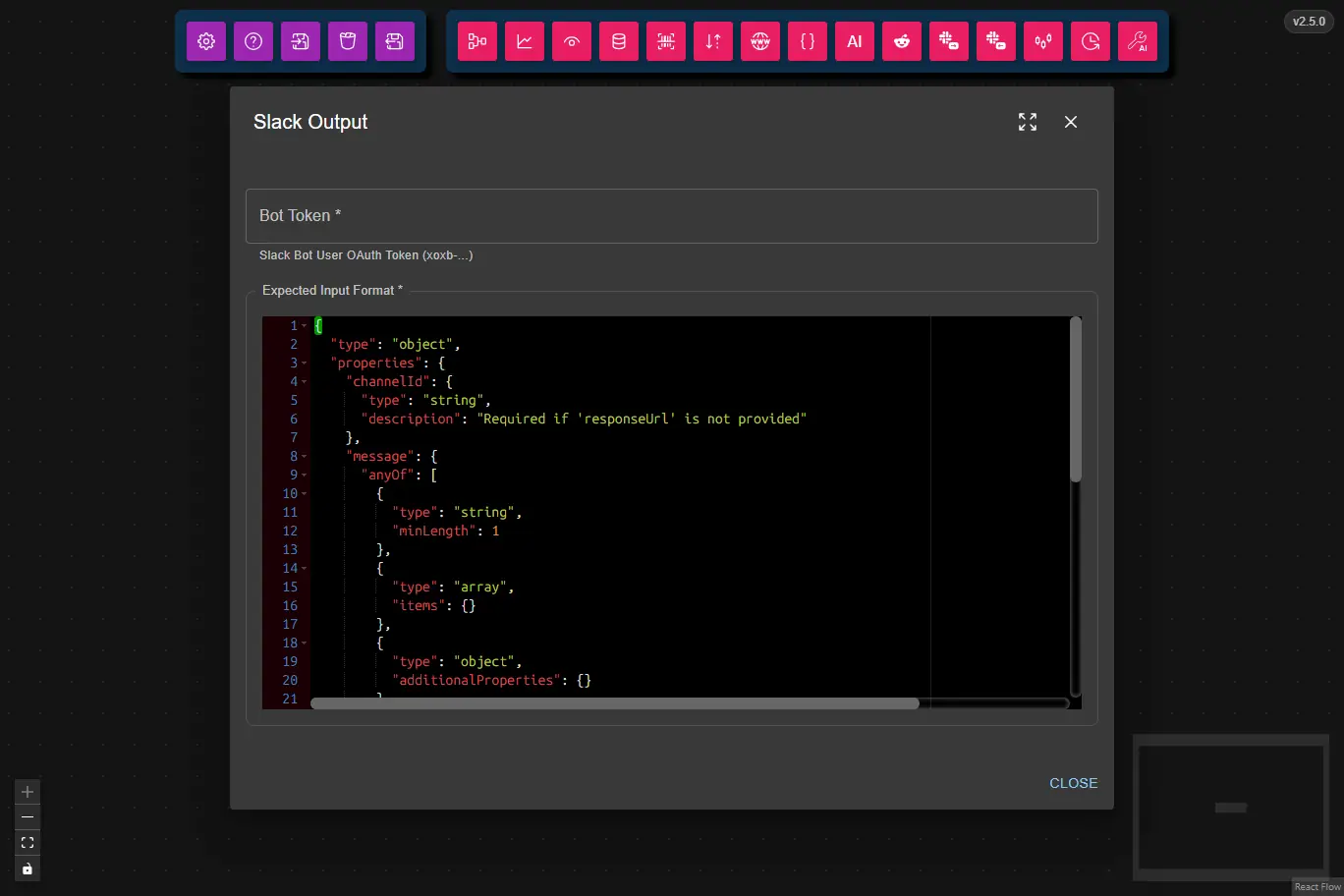
The node expects a JSON object from upstream nodes matching the following schema:
| Field | Type | Required | Description |
|---|---|---|---|
channelId | string | Conditional | The Slack channel ID to send the message to. Required if responseUrl is not provided. |
message | string | array | object | Yes | Plain text string, or a Block Kit JSON array/object. |
threadTs | string | No | Thread timestamp to post the message as a reply in a thread. |
responseUrl | string | Conditional | Slash command response URL. Required if channelId is not provided. |
userId | string | Conditional | Slack user ID. Required when postEphemeral is true and responseUrl is not provided. |
postEphemeral | boolean | No | If true, sends a message visible only to the target user. |
Either
channelIdorresponseUrlmust be provided.
When used downstream of a Slack Input Node, the channelId, responseUrl, and userId fields are automatically available from the input node's output — making it easy to reply directly to the user who triggered the command.
Example Usage
For example usage, see the Slack AI Web Search Bot Workflow, which listens for Slack slash commands, queries the web with DuckDuckGo, and returns the AI-generated response directly in Slack.
Common Use Cases
- Respond to Slash Commands: Reply to users who trigger workflows via the Slack Input Node.
- Send Channel Notifications: Post automated messages or alerts to Slack channels.
- Thread Replies: Reply inside existing Slack threads using
threadTs. - Ephemeral Messages: Send private messages visible only to a specific user with
postEphemeral. - Rich Formatting: Use Block Kit JSON to send visually structured messages.
Best Practices
- Use
responseUrlwhen replying to slash commands: It avoids needing to know the channel ID explicitly and ensures the reply is routed to the correct context. - Prefer plain text for simple messages: Block Kit is powerful but adds complexity; use it only when rich formatting is needed.
- Validate upstream data: Ensure the connected upstream node always provides either
channelIdorresponseUrl. - Keep tokens secure: Never share your Bot Token publicly or commit it to version control.
Troubleshooting
Common Issues
- Message not sent: Verify the Bot Token is correct and the bot has permission to post to the target channel (
chat:writeorchat:write.public). - Invalid input format: Check the upstream node output matches the expected JSON schema. The node logs will display detailed validation errors.
- Missing
channelIdorresponseUrl: Ensure the upstream node provides at least one of these fields. - Ephemeral message not delivered: When using
postEphemeralwithout aresponseUrl, theuserIdfield must be present. - Block Kit rendering issues: Validate your Block Kit JSON using the Block Kit Builder.
Performance Tips
- Chain directly after the Slack Input Node to use the
responseUrlfor immediate command responses. - Use the AI Data Processing Node between Slack Input and Slack Output to build intelligent Slack bots.