Workflow Output Node
The Workflow Output Node ends a workflow started by a command. Whatever reaches it goes back, as the result, to whoever called the command of the workflow's Workflow Input Node: the AI Buddy chat, or an outside app.

Configuration
The node has no settings. Connect the node holding the final result to its input.
- Output
- Configuration Schema
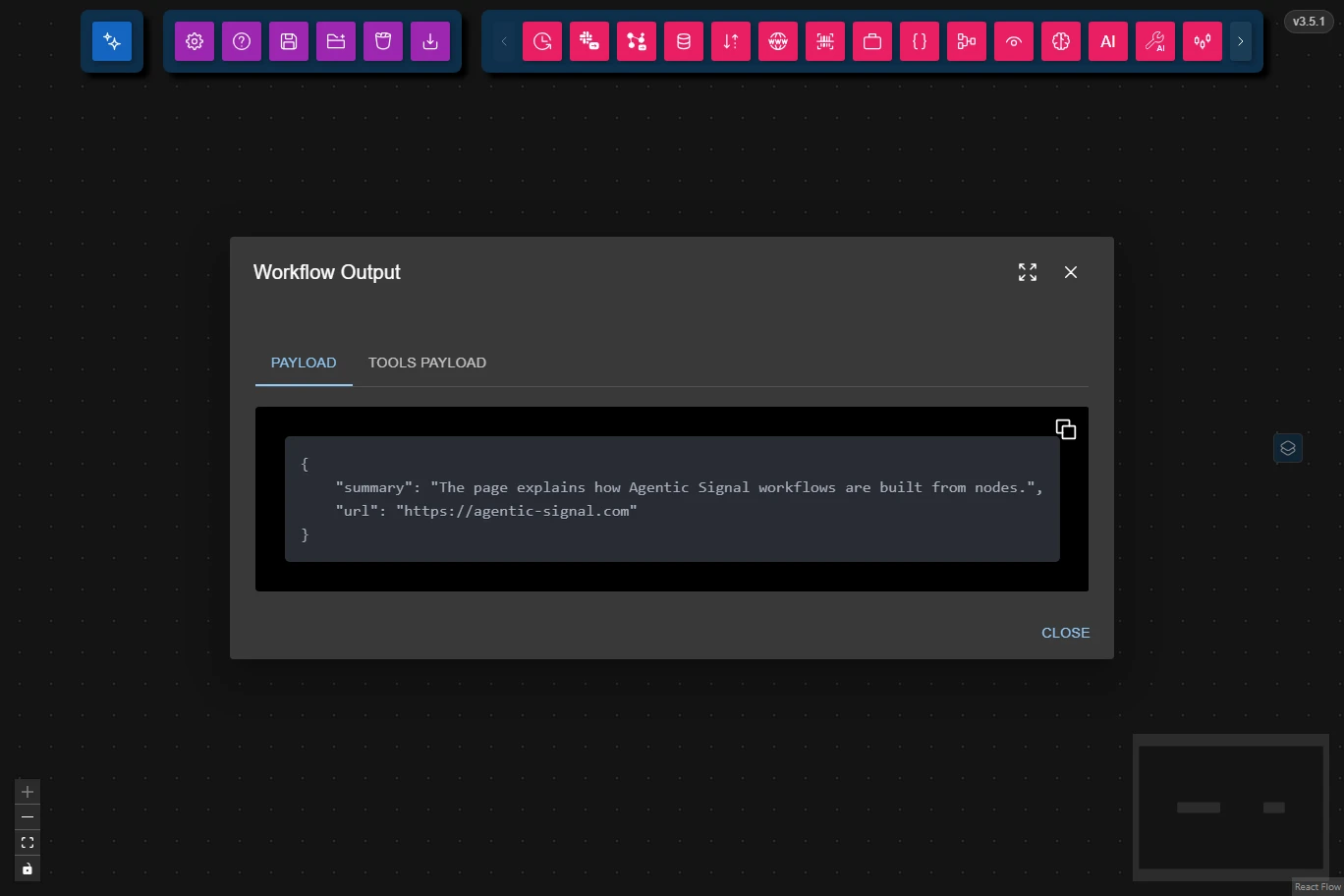
The Output button (the eye) shows the last result, with its Payload and Tools Payload in separate tabs. It is highlighted once a result has arrived.
This is the full JSON Schema for the node's data configuration object, generated from the Zod schema used to validate the node at runtime.
{
    "type": "object",
    "properties": {},
    "additionalProperties": false
}
What the Caller Receives
- The AI Buddy chat reads the result and writes its answer from it. The result itself stays in the chat, folded away, so you can open it or ask follow-up questions about it.
- An outside app receives it as
{"result": …}in the answer to its call. See Calling from Outside Apps.
If the workflow isn't serving a command, for example when you run it by hand, the result only shows in the node.
If a node in the workflow fails before anything reaches the Workflow Output, the call fails at once, naming that node, instead of waiting.
Common Use Cases
- Answering chat commands: Return a search summary, a forecast or a report to the AI Buddy.
- Answering outside apps: Return structured JSON to a script or a browser extension.
Best Practices
- Send one final result: the first result that reaches the node answers the call; later ones only show in the node.
- Shape the result for its reader: use a JSON Reformatter Node before it to return only the fields the caller needs, or Markdown for the chat.
Troubleshooting
- The call times out: check that every path through the workflow reaches the Workflow Output, and look for errors in the nodes' logs.
- The chat's answer misses details: open the folded result in the chat to see exactly what the workflow returned.