Fetch Web Page Node
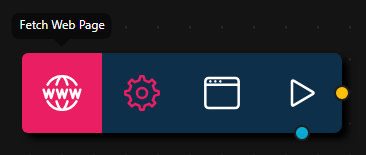
The Fetch Web Page Node fetches and renders the HTML content of a web page from any HTTP or HTTPS URL using a GET request. It is designed for previewing and extracting content from web pages, not for general API integration.
Configuration
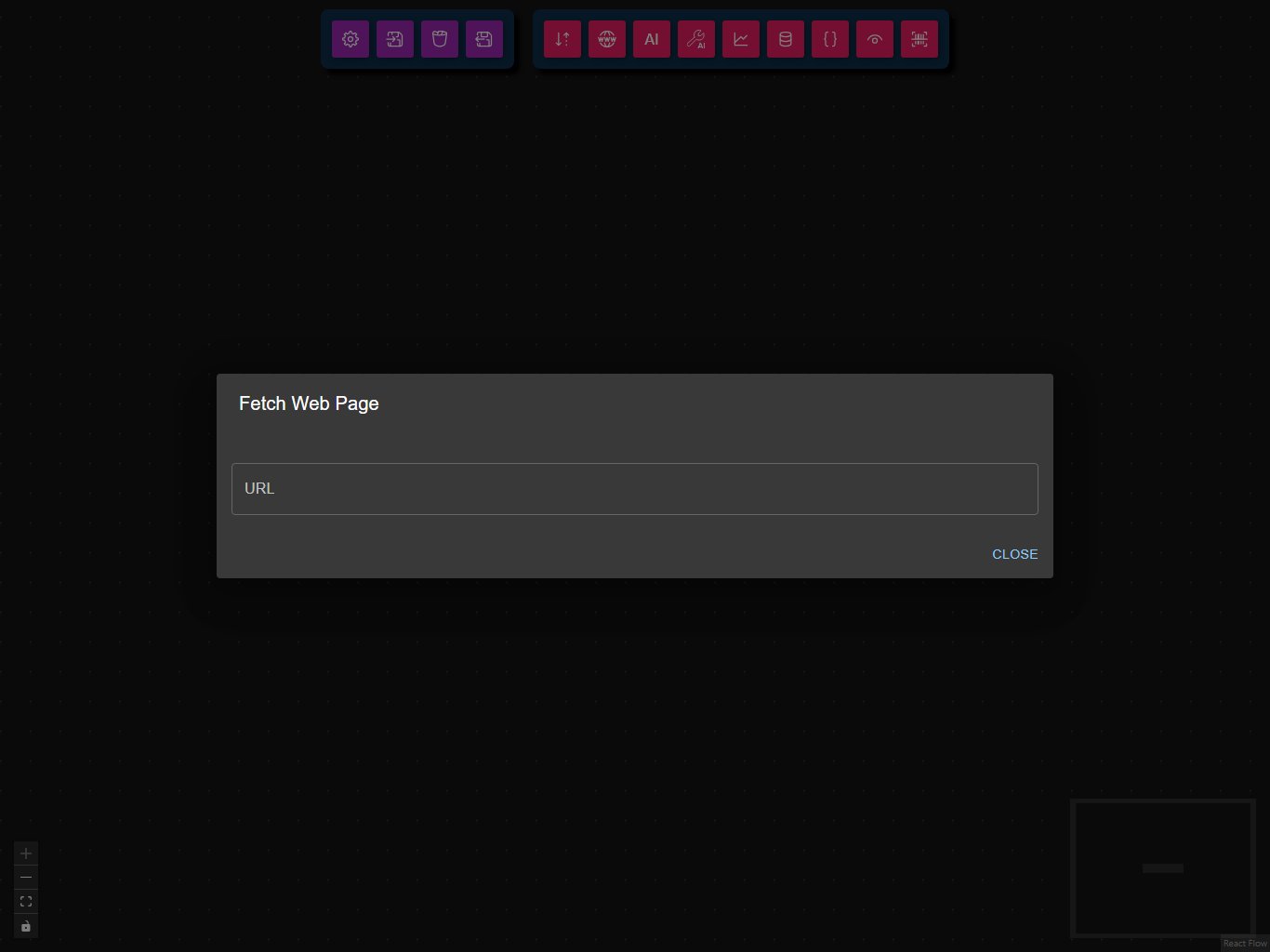
- URL
- Configuration Schema
The web page to fetch and render (e.g., https://example.com).
This is the full JSON Schema for the node's data configuration object, generated from the Zod schema used to validate the node at runtime.
{
  "type": "object",
  "properties": {
    "url": {
      "type": "string",
      "description": "The URL of the page to fetch via headless browser"
    }
  },
  "required": [
    "url"
  ],
  "additionalProperties": false
}
Example Usage
For example usage, see the Weather Dashboard workflow or Google Drive Listing workflow, which demonstrate fetching and displaying web page content.
Common Use Cases
- Web Page Preview: Render and inspect the HTML content of a web page.
- Content Extraction: Use downstream nodes to extract or process information from the rendered HTML.
- Workflow Debugging: Check what a web page returns before further processing.
Best Practices
- Use valid URLs: Ensure the URL is correct and accessible.
- Handle errors: Downstream nodes should handle possible fetch errors or missing data.
- Avoid dynamic/authenticated pages: The node does not support login or session management.
Troubleshooting
Common Issues
- Invalid URL: Check for typos or missing protocol (
http://orhttps://). - Network errors: Verify your internet connection and endpoint availability.
- Unexpected content: Some web pages may block automated requests or require authentication.
Performance Tips
- Avoid fetching very large or complex web pages unless necessary.
- Use downstream nodes to process or extract only the needed information.