Fetch Weather Data Tool
The Fetch Weather Data Tool retrieves the current weather, a past day's weather or a forecast for a specified city using a weather API.
It is useful for workflows that require real-time weather data as input for further processing or analysis.
- Inputs
- Outputs
- Node Type
city¹ (string): Name of the city to fetch weather data for (e.g.,"New York").date¹ (string, optional): The day, asYYYY-MM-DD(or another date form, e.g.Nov 13, 2026). An earlier day gives its history (up to 7 days back), a later one its forecast (up to 14 days ahead); today, no date, or a word for none (today,none) gives the current weather. Text that isn't a date gets an error asking forYYYY-MM-DD.apiKey(string, user config): WeatherAPI.com API Key. Every Weather tool shares it; save it in Settings → Credentials asfetch-weather-data.apiKeyto keep it after a reload.requireToolUse(boolean, user config): Require tool use (forces the LLM to always call this tool; default: true)Note: When enabled, the node will retry tool calls up to the number of times set in Max Tool Retries in the AI Data Processing Node.
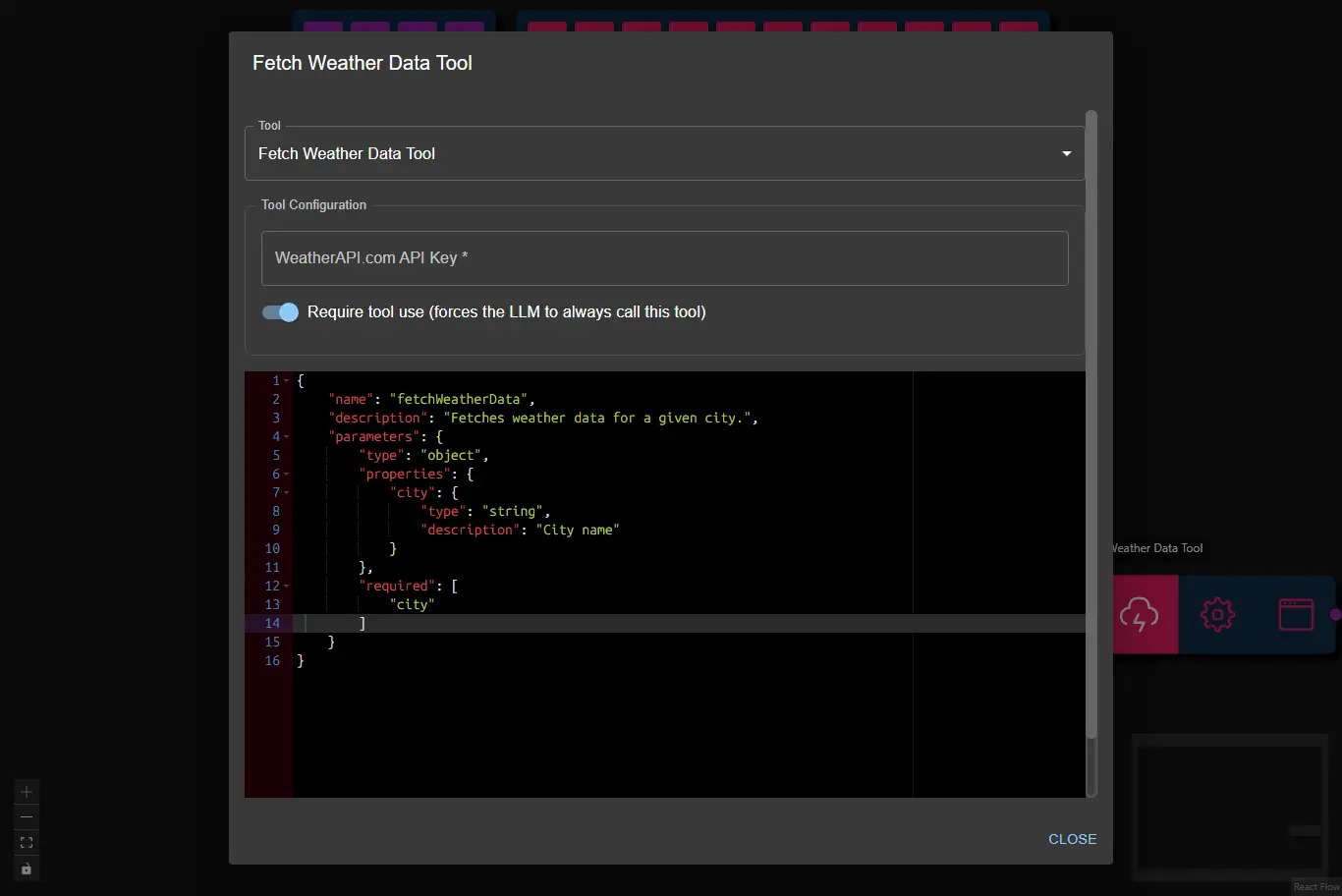
(1) Provided by the AI Data Processing Node as a result of processing it's input.
- fields returned depend on the WeatherAPI.com API response
ai-tooltoolSubtype:fetch-weather-data