Max Tool
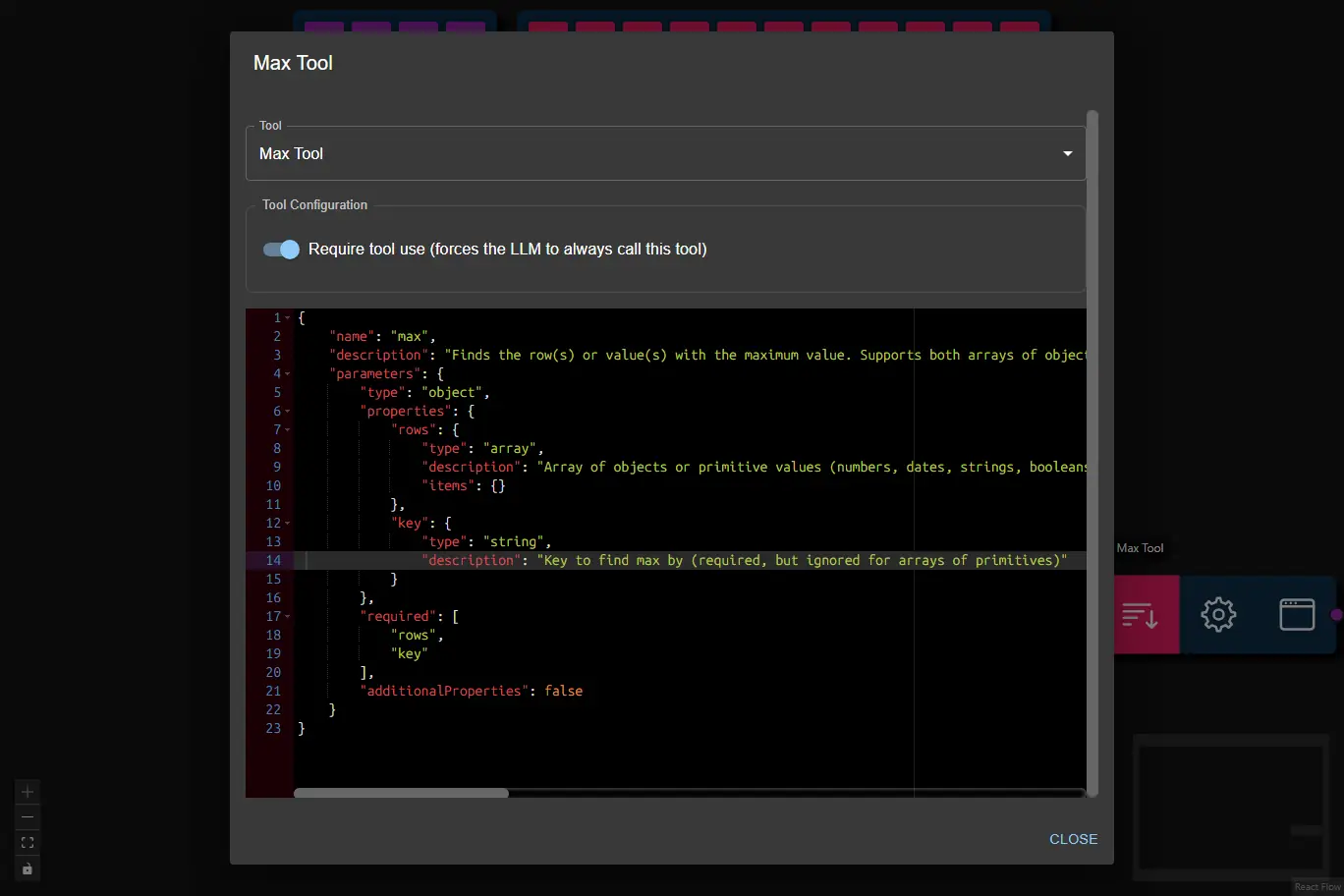
The Max Tool finds the row(s) with the maximum value for a specified key in an array of objects.
It is useful for workflows that need to identify the highest value in tabular or structured data, such as finding the top customer, largest transaction, or latest date.
- Inputs
- Outputs
- Node Type
rows¹ (array): Array of objects to search.key¹ (string): The key/property name to find the maximum value by.requireToolUse(boolean, user config): Require tool use (forces the LLM to always call this tool; default: true)Note: When enabled, the node will retry tool calls up to the number of times set in Max Tool Retries in the AI Data Processing Node.
(1) Provided by the AI Data Processing Node as a result of processing it's input.
- Array of objects (rows) that have the maximum value for the specified key.
- If multiple rows share the maximum value, all are returned.
Example Output:
[
    {
        "customer": "Alice",
        "total_spend": 120.50,
        "orders": 3
    }
]
ai-tooltoolSubtype:max