Sort Tool
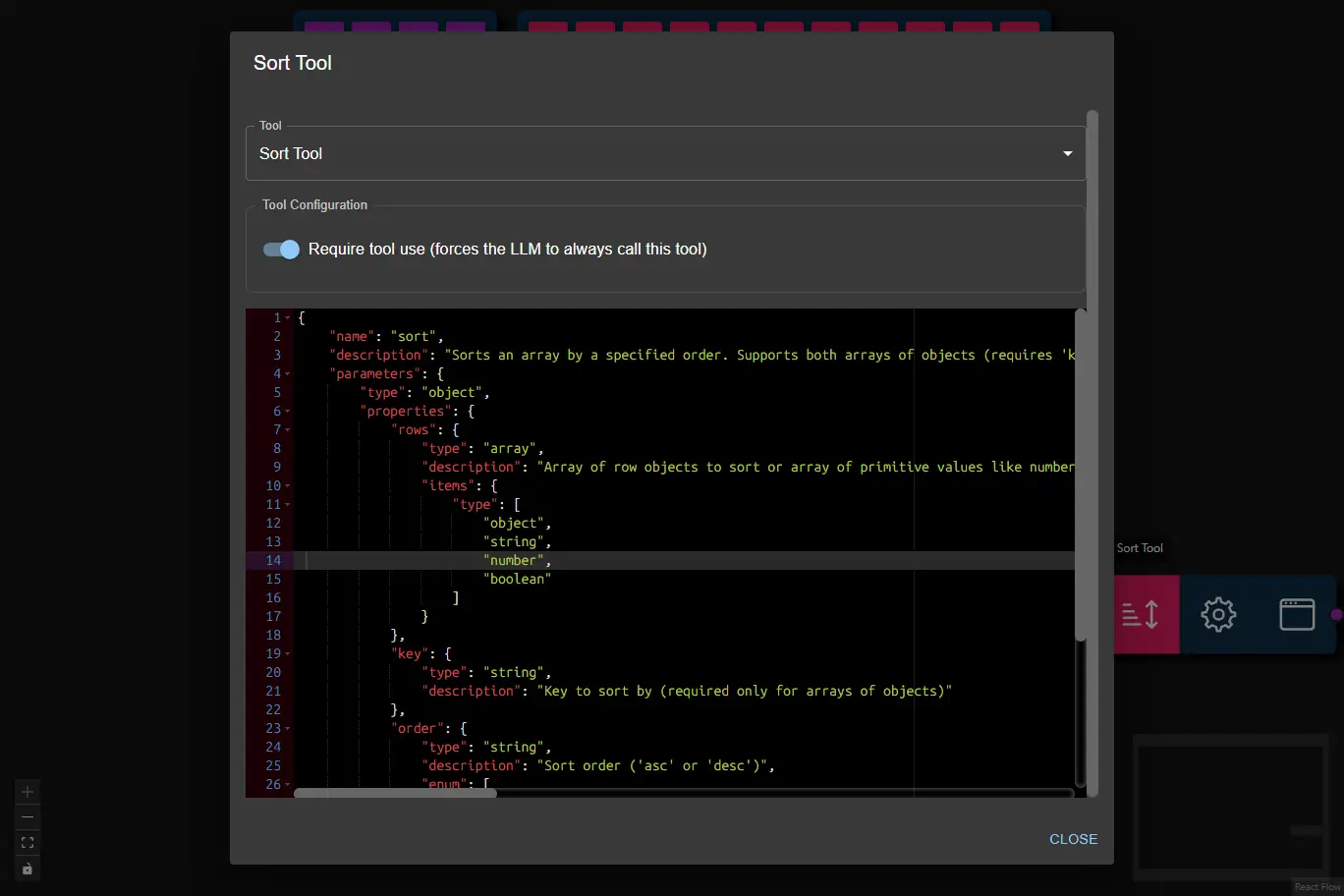
The Sort Tool sorts an array of row objects by a specified key, or an array of values, in a given order (ascending or descending).
It is useful for workflows that need to organize tabular or structured data, such as sorting customers by total spend, dates, or any other property.
- Inputs
- Outputs
- Node Type
rows¹ (array): Array of objects, or of values (numbers, dates, text, booleans), to sort.key¹ (string): The key/property name to sort by. Needed for an array of objects only; a key no object has is an error.order¹ (string): Sort order (ascfor ascending,descfor descending).requireToolUse(boolean, user config): Require tool use (forces the LLM to always call this tool; default: true)Note: When enabled, the node will retry tool calls up to the number of times set in Max Tool Retries in the AI Data Processing Node.
(1) Provided by the AI Data Processing Node as a result of processing it's input.
- The rows (or values) sorted by the specified key and order. Rows with no value (the key missing,
null, blank text) come last, in their order.
How values compare: as booleans (
falsebeforetrue), dates or numbers when every value is one, else as text. Numbers written as text ("1800", as CSV columns hold them) count as numbers. Dates are2024-01-02,2024/1/2,01/02/2024or1/2/24(month first), or text with a month name and a 4-digit year (Jan 2, 2024), each with a time or not; labels such asItem 1are text.
Example Output:
[
    {
        "customer": "Bob",
        "total_spend": 98.75,
        "orders": 2
    },
    {
        "customer": "Alice",
        "total_spend": 120.50,
        "orders": 3
    }
]
ai-tooltoolSubtype:sort